Made for quoting, not for chatting
A general chatbot can write words. Yebo keeps your prices exact, tracks every quote and invoice, and never sends anything to a client without you.
A chatbot can write the quote. Then what?
General AI chat tools write words. After that you copy, paste, fix the formatting, send, chase, count, and wonder if anyone looked at it. Yebo does the rest of the job.
| What you need | A chatbot | Yebo |
|---|---|---|
| Writes the words of a quote | Yes | Yes |
| Sends it to your client in one tap, by email or WhatsApp | No | Yes |
| Tells you the moment your client opens it | No | Yes |
| Lets your client accept it with one tap | No | Yes |
| Lets your client pay by card or instant EFT | No | Yes |
| Counts how many quotes you sent this month | No | Yes |
| Shows your progress against a monthly target | No | Yes |
| Reminds you who to follow up, and who owes you | No | Yes |
| Remembers your logo, bank details and clients once | No | Yes |
Compared with general AI chat tools used on their own, with no business connected to them.
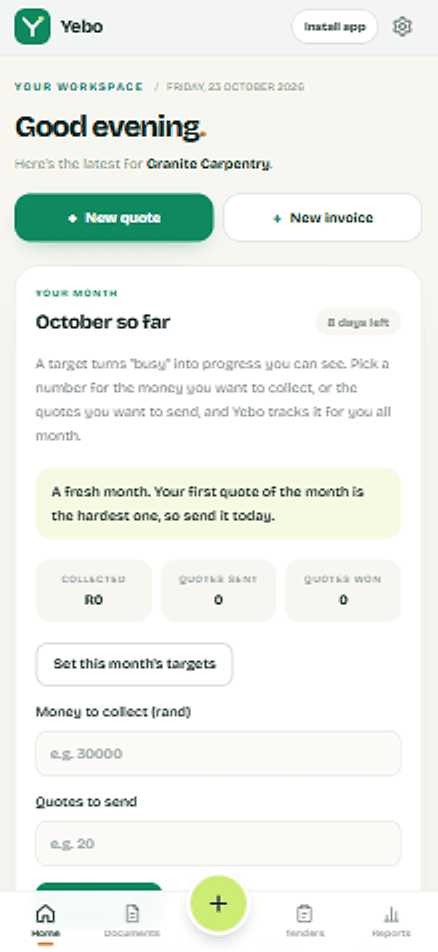
“Business was busy this month” is a feeling. Numbers you can act on are better.
Yebo shows how many quotes you sent, how many you won and how much you collected, every month.
Four ways quotes go wrong
You will recognise at least two.
The voice note price
“Eish, it’s about R8 000, maybe R9, depends.” Your client heard “maybe” and phoned someone else.
With Yebo: Speak it into Yebo. It comes out as an itemised quote with real numbers.
The Word document from years ago
A stretched logo, three fonts and a table that breaks when you edit it.
With Yebo: Your logo and colours on a page that looks like you mean business.
The “did you get it?” message
Sent on Monday. Blue ticks on Tuesday. Nothing since.
With Yebo: See when your client opens it, then follow up in one tap.
Remembering who owes you
R12 000 is sitting in your head, and none of it is in your bank account.
With Yebo: Outstanding and overdue money on your home screen every morning.
See it for yourself
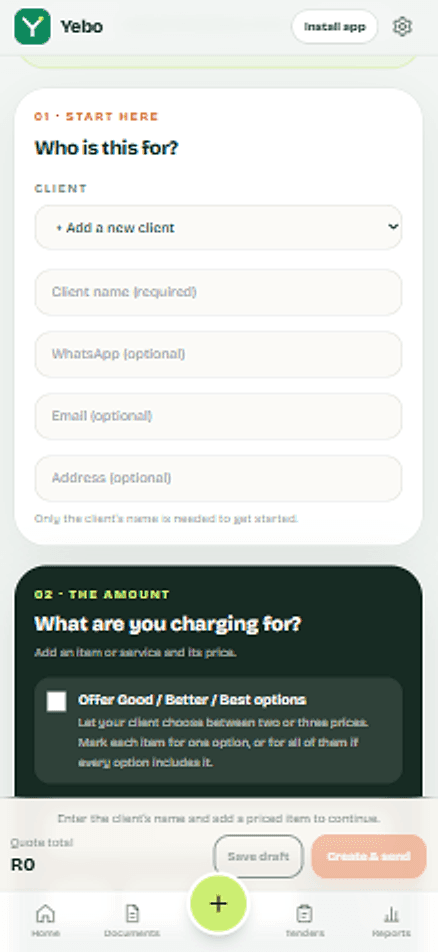
Every screen here is a screenshot from Yebo.
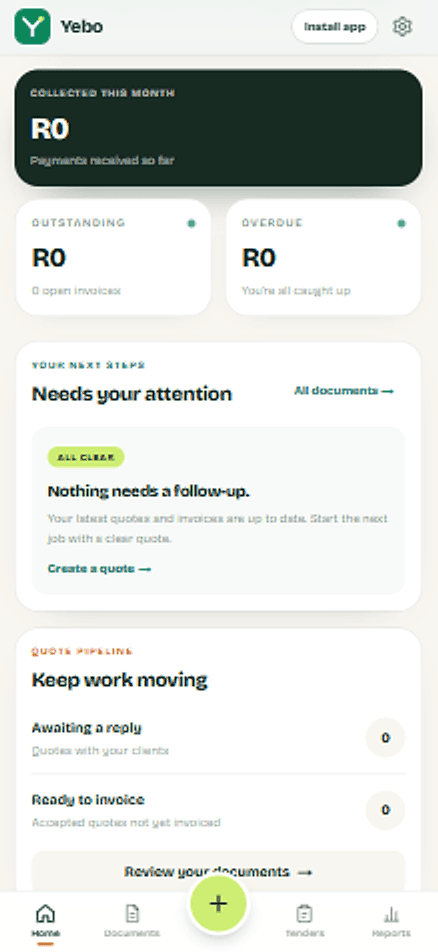
Your money, at a glanceCollected, outstanding and overdue, on one screen. 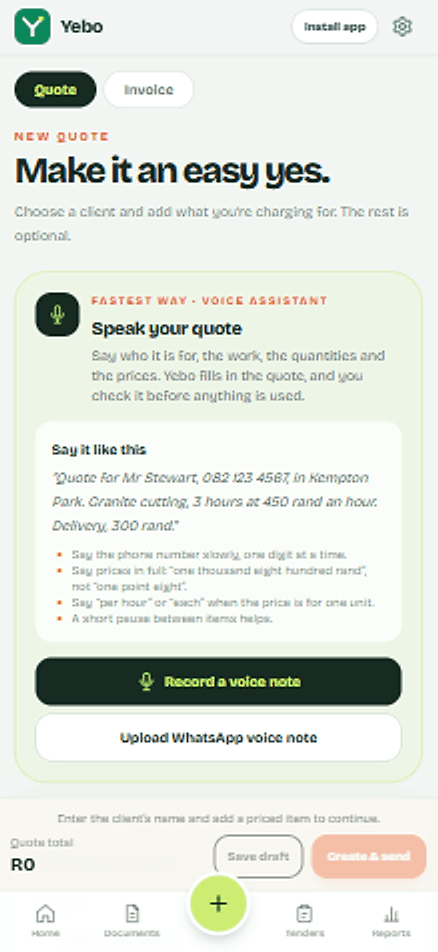
Say it. Yebo types it.Say who it is for, the work and the prices. Yebo fills it in, you check it. 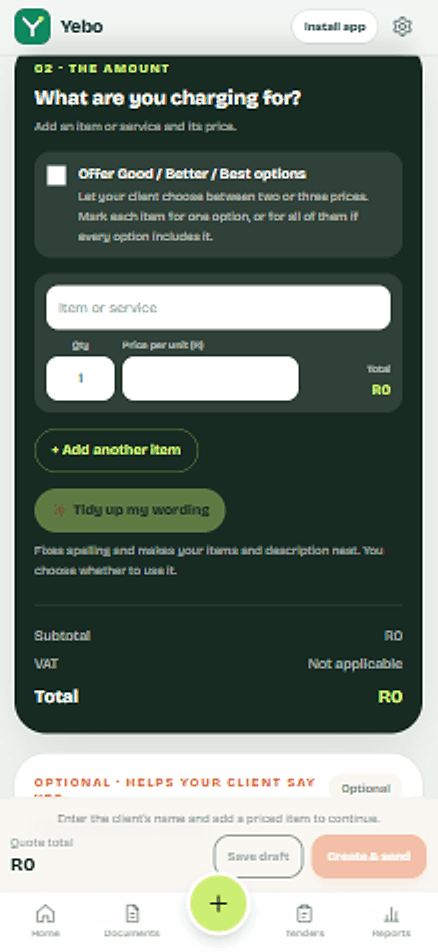
Numbers that add upQuantities, prices and VAT worked out for you. Busy becomes progressSet a number for the month and watch your progress. 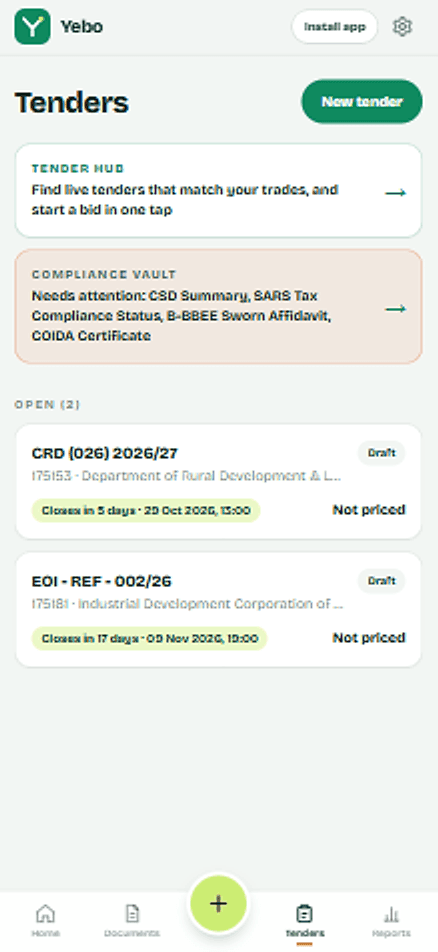
Tenders for your tradeLive tenders for your trade, with your compliance papers checked before you bid. 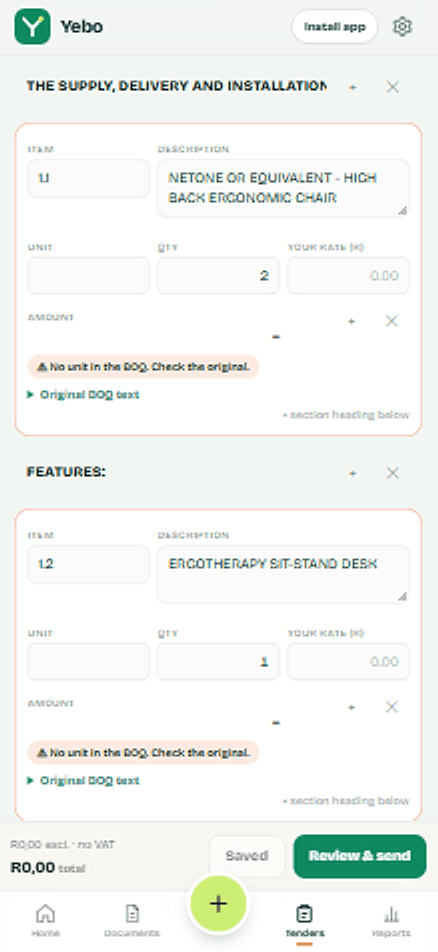
The BOQ, already readYebo reads the bill of quantities into lines. You just add your rates.
Send your first quote today.
Set up once with your logo and bank details. After that, each quote is a few minutes of work, and your client gets a clear page with a yes button and a way to pay.