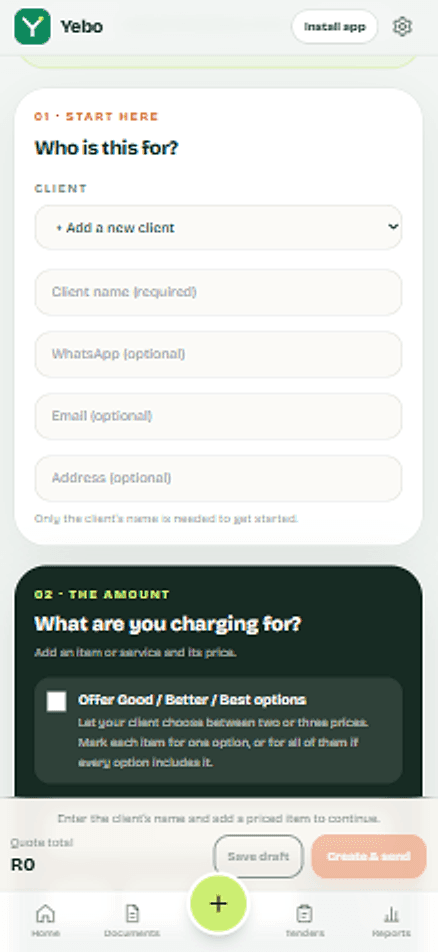
Made for how South African trades work
Rands, VAT, EFT, PayFast and WhatsApp. A lot of invoicing software was built for somewhere else. Yebo starts from how you actually get quoted and paid here.
- Rands and VAT
- Amounts in rand. VAT is shown for VAT registered businesses and left out for the rest.
- PayFast and EFT
- Card and instant EFT through PayFast, plus manual EFT and cash that you can record yourself.
- Bank details done properly
- Pick your bank from a list of 16 and its universal branch code is filled in. You can still edit it.
- WhatsApp first
- Send, follow up and say thank you where your clients already are.
- Your logo and colours
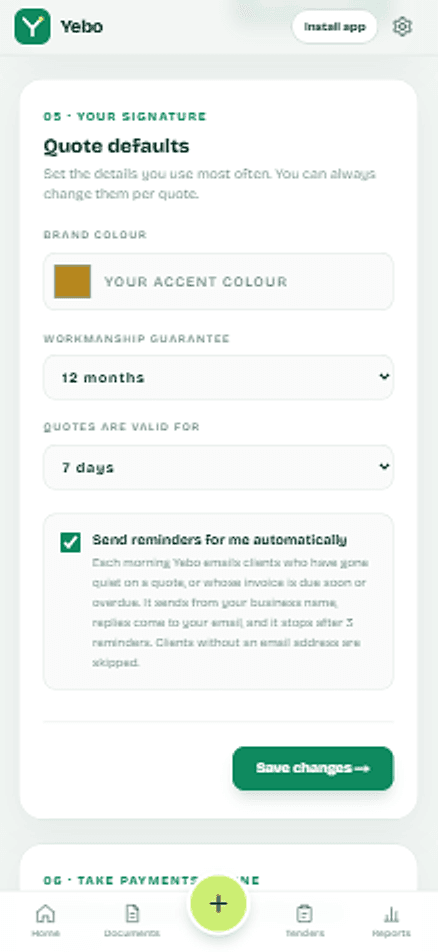
- Quotes, invoices and PDFs carry your brand, so a client sees you and not a template.
- Help from a person
- Call, WhatsApp or email support from inside the app, 8am to 5pm South African time.
- Works like an app
- Add Yebo to your phone’s home screen, free, with no app store. Clients do not install anything.
Send your first quote today.
Set up once with your logo and bank details. After that, each quote is a few minutes of work, and your client gets a clear page with a yes button and a way to pay.