Get paid without the awkward texts
Clients pay by card or instant EFT. You both get told. Each business connects its own PayFast account, so the money goes from your client to you. Yebo never holds it.
- Pay now, by card or instant EFT
- A Pay now button on every invoice, through PayFast. An invoice is only marked paid when PayFast confirms the payment, never because someone landed on a thank you page.
- Deposits
- When a client accepts a quote that asks for a deposit, they see the exact amount to pay. The deposit is credited on the invoice, so they only pay the balance.
- EFT, with proof
- Your bank details sit on the page with copy buttons. Clients can tap “I have paid”, upload proof of payment, or promise a date. Reminders pause until that date.
- Receipts and alerts
- Your client gets a receipt by email. You get “You’ve been paid”, with the PayFast fee and what lands in your account, and a one tap WhatsApp thank you.
- Reminders for invoices
- Due soon and overdue invoices go on your “ready to send” list with the message written. A client who promises a date is left alone until that day, and part payments and credit notes are counted, so the message asks for what is really owed.
- The Real Business and up
- Customer statement
- One private link per client that lists everything they owe, with a pay button on each invoice.
- Repeat monthly invoices
- A draft invoice is made on the day you choose and you are emailed to check it. Nothing goes to the client by itself.
- Credit notes
- Fix a mistake or give a discount with a numbered credit note. It lowers what the client owes and is not counted as income.
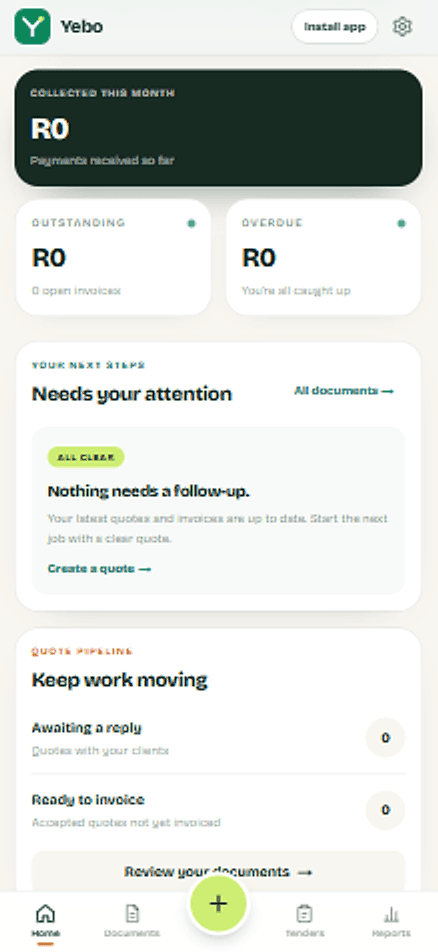
Send your first quote today.
Set up once with your logo and bank details. After that, each quote is a few minutes of work, and your client gets a clear page with a yes button and a way to pay.