Send it, then know what happens
You see when it is opened, and how your client answers. Your client opens a link on their phone. No account, no app, no PDF that will not open. You get told when they look, and what they decide.
- WhatsApp or email
- WhatsApp opens with the message written and you tap send. Email goes out with the PDF attached, and replies go to your business email.
- Real “viewed” tracking
- Link previews, robots and your own devices do not count. When Yebo says “Opened 3 times”, a person looked.
- Accept with a typed name
- Your client types their name to accept. It is saved as a signature on the page, the PDF and the email you get.
- Ask for a change, or say no
- Clients can ask for a change on the page, or decline and give a reason. They can undo a decline for 24 hours, and you can reopen a declined quote at any time.
- Why hire you
- Show the year you started, a one line about you, photos of past work, trust ticks such as fully insured or licensed, up to 5 real customer reviews and a Google reviews link. Anything you leave blank is not shown.
- Work photos: 1 on The Side-Hustler, 3 on The Real Business, 6 on The Industry King
- Follow ups
- Every morning Yebo lists the clients to nudge and emails it to you. Tap a name, WhatsApp opens with the message written, and you press send from your own number. A bell in the app shows how many are waiting. Yebo can also email reminders to your clients for you, 3 days apart, up to 3 times.
- The Real Business and up
- Told when they answer
- You get an email the moment a client accepts or declines, with a button to make the invoice or send a friendly follow up.
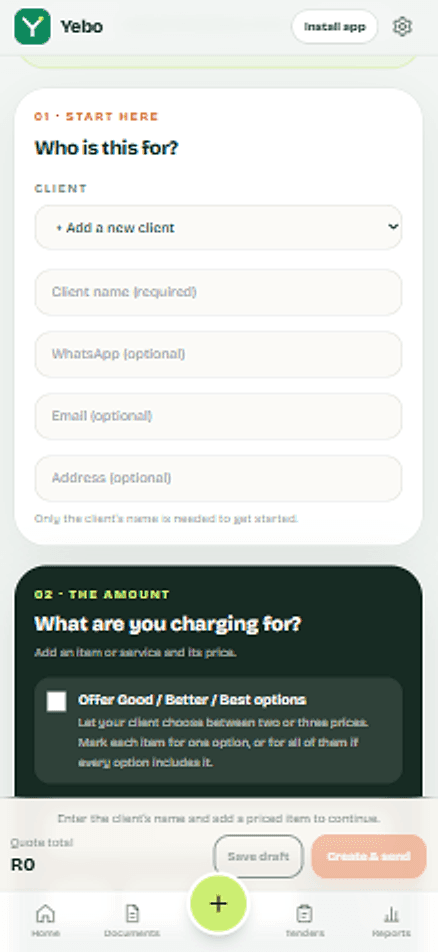
Send your first quote today.
Set up once with your logo and bank details. After that, each quote is a few minutes of work, and your client gets a clear page with a yes button and a way to pay.