From a voice note to a paid invoice
Speak the job, check the quote, send it in one tap and see exactly when your client opens it, accepts it and pays.
From first draft to invoice
One connected process, so the details you put in once carry through to the invoice.
Step 1
Create a quote
Add the client, the job, the line items and the payment terms, or start with a voice note.
Step 2
Share one link
Send it by email, copy the client link, or open a WhatsApp message that is ready to review.
Step 3
Get a decision
Your client reads it online and accepts with their name, asks for a change, or says why not. You see every open and every answer.
Step 4
Make the invoice
Turn the accepted quote into an invoice with a due date and your EFT details. Any deposit is credited for you.
The real app, on a real phone
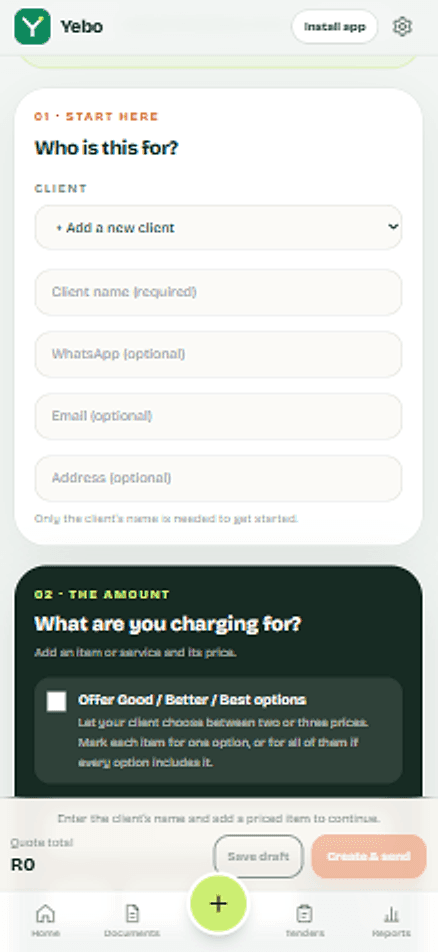
Every screen here is a screenshot from Yebo.
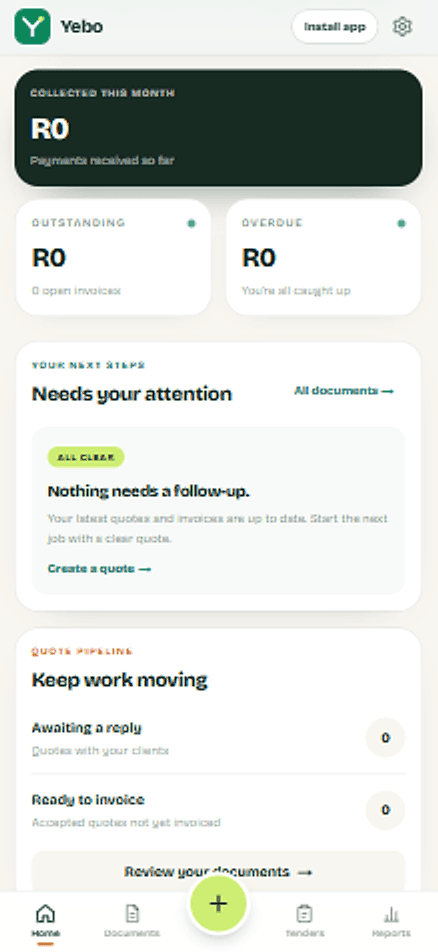
Your money, at a glanceCollected, outstanding and overdue, on one screen. 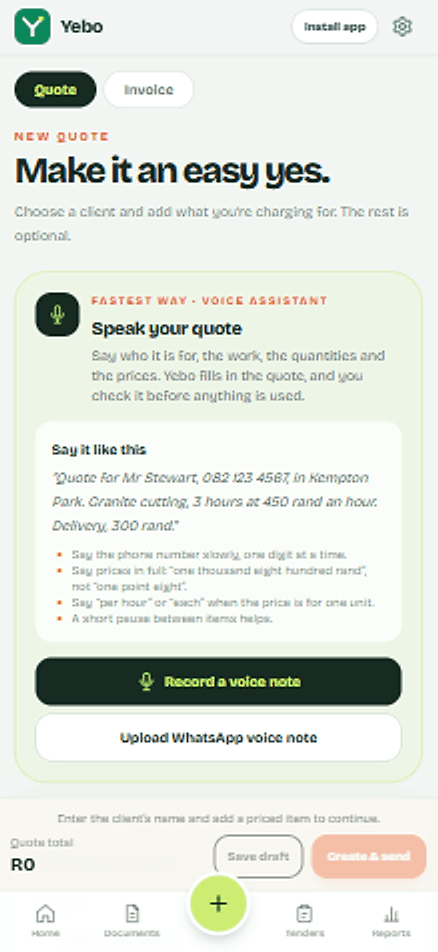
Say it. Yebo types it.Say who it is for, the work and the prices. Yebo fills it in, you check it. 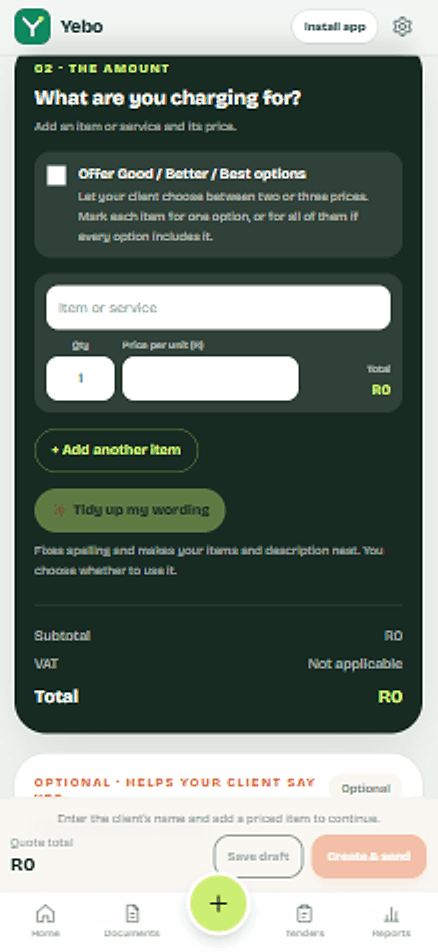
Numbers that add upQuantities, prices and VAT worked out for you. 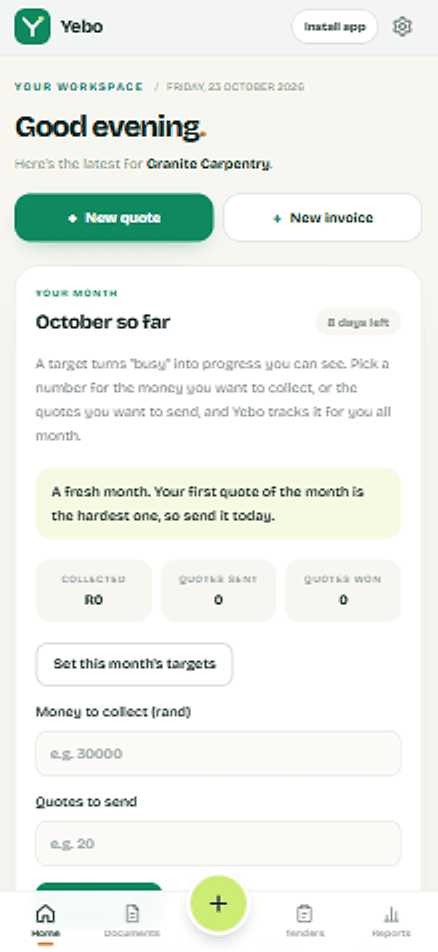
Busy becomes progressSet a number for the month and watch your progress. 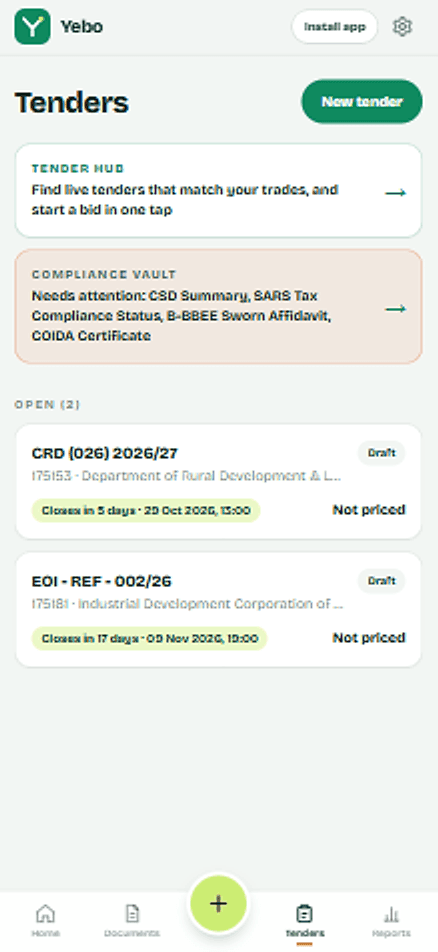
Tenders for your tradeLive tenders for your trade, with your compliance papers checked before you bid. 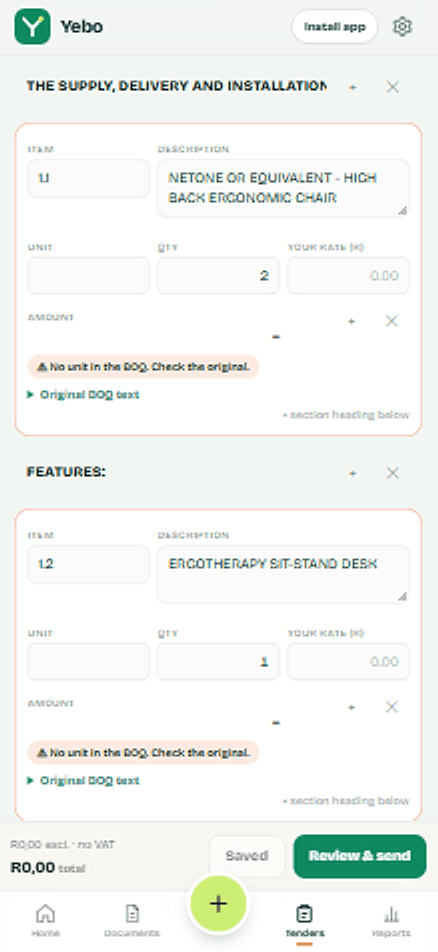
The BOQ, already readYebo reads the bill of quantities into lines. You just add your rates.
Send your first quote today.
Set up once with your logo and bank details. After that, each quote is a few minutes of work, and your client gets a clear page with a yes button and a way to pay.